Your DORA records in Jira and Confluence.
ICT policies approved and reviewed on schedule, staff training recorded for each version, major ICT-related incidents classified, reported on time and learned from, each with an evidence file holding the signatures.
Runs on Atlassian Your data stays in your Atlassian site.
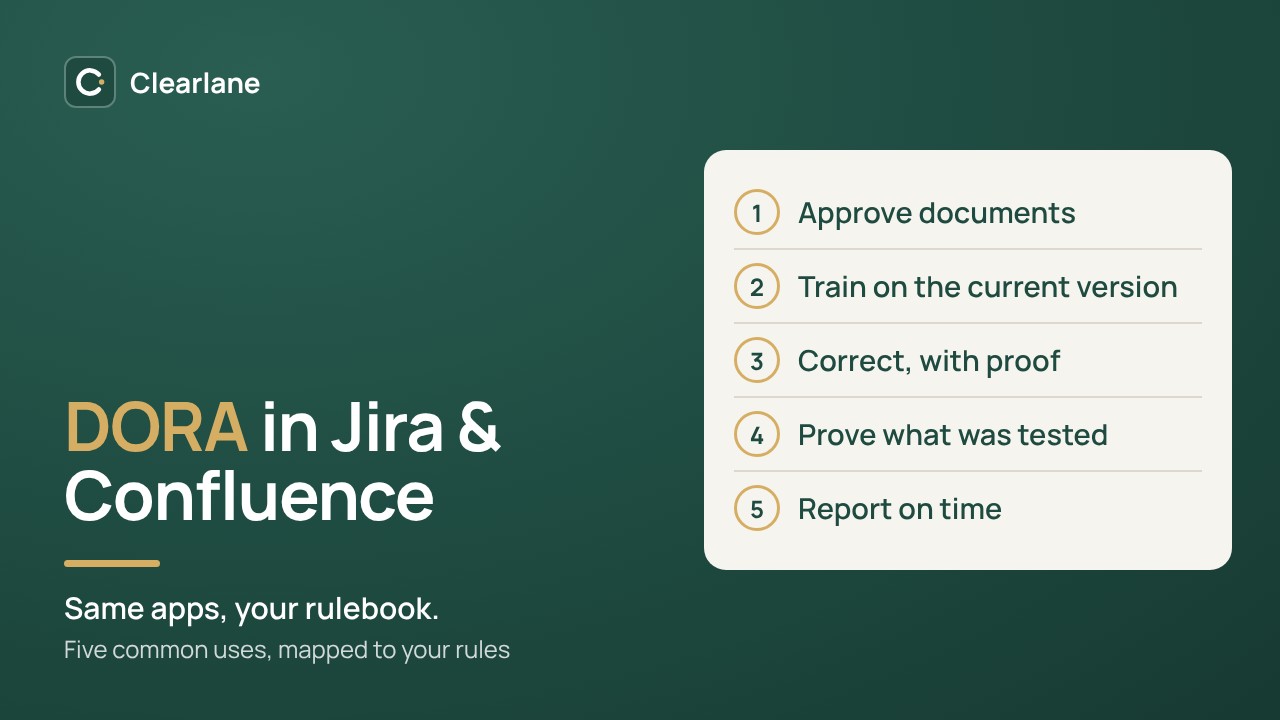
One app for each record your supervisor samples.
Each app works on its own, on your existing pages and work items. Start with incident reporting, or with your ICT policies.
- Clearlane Breach & Incident Reporting
Report major ICT-related incidents
Apply the classification criteria with a calculated suggestion, then see every deadline: initial notification, intermediate and final reports. Texts ready to paste, each submission recorded, clients informed, signed closure.
- Clearlane Controlled Documents
Approve and review ICT policies
Named approvers sign with their signing password; the policy becomes effective and receives its next review date. Any later edit is flagged against the approved version.
- Clearlane Read & Understood
Train every employee
People confirm the exact version of a policy they read, optionally answer comprehension questions and sign. Reminders go out, and a new version asks them again.
- Clearlane CAPA
Learn from each incident
Turn the incident work item into a corrective action: root cause, signed plan, actions in Jira, dated effectiveness check.
Requirement, what the app does, your part.
Article by article, for the records your teams already keep in Jira and Confluence.
| Requirement | What Clearlane does | Your part |
|---|---|---|
| ICT risk management framework, documented and reviewed (DORA Art. 6(5)) | Controlled Documents: approval with e-signatures, effective date, periodic review at the interval you set, edits after approval flagged, history kept. | Write the framework and policies; review them at least once a year and after major incidents. |
| Management body responsibility (Art. 5(2)) | Controlled Documents: the approvers you name, for example members of the management body, sign with name, date and meaning. | Decide who approves what, according to your governance. |
| ICT security awareness and digital operational resilience training (Art. 13(6)) | Read & Understood: confirmation per person and page version, optional questions and signature, reminders, PDF and CSV records. | Define the programme, its audience and its frequency; keep evidence of other training. |
| ICT-related incident management process (Art. 17) | Breach & Incident Reporting: incidents logged as Jira or Jira Service Management work items, qualified and signed by the response team, with a register for the site. | Write the process: detection, roles, escalation and communication. |
| Classification of ICT-related incidents (Art. 18) | Breach & Incident Reporting: the classification criteria with a calculated suggestion; your team decides and signs. | Apply the criteria and decide. |
| Reporting of major ICT-related incidents (Art. 19) | Breach & Incident Reporting: initial notification within 4 hours of classification and 24 hours of awareness at most, intermediate report within 72 hours of it, final report within one month; texts ready to paste; each submission recorded with its date and reference. | Submit through your competent authority’s channel. Clearlane submits nothing on your behalf. |
| Informing clients (Art. 19(3)) | Breach & Incident Reporting: the information to clients is part of the incident record. | Decide what to tell clients, and when. |
| Post-incident reviews and lessons learned (Art. 13(2) and 13(3)) | CAPA: from the incident work item, root cause, signed action plan, actions as Jira work items, dated effectiveness check, PDF evidence file. | Run the review and feed the lessons into your ICT risk assessment. |
| Personal data breaches (GDPR Art. 33 and 34) | Breach & Incident Reporting: 72 hours to the supervisory authority, communication to the people concerned, breach register with CSV export. | Assess the risk to the people concerned, and decide. |
Deadlines follow Delegated Regulation (EU) 2025/301. These apps do not cover the register of ICT third-party arrangements, business continuity plans or resilience testing. References are given to help you find the relevant requirement, not as a claim of compliance.
An evidence file with the signatures for every incident and every policy.
Incident evidence file
Facts, signed qualification and closure, each text sent with its date and reference, and the audit trail.
Breach register
Every personal data breach, notified or not, ready to export as CSV.
Policy evidence file
Signatures with name, date, meaning and fingerprint, revisions and read confirmations.
CAPA evidence file
Root cause, signed plan, actions, effectiveness check and the audit trail.
Questions, answered.
- Does it send the report to our supervisor?
- No. Authorities use their own channels and forms. Clearlane prepares each text for you to paste and records what you sent, when, and its reference.
- Does it replace a GRC tool?
- No. It covers the records your teams already keep in Jira and Confluence: policies, training, incidents and corrective actions. It does not hold the register of ICT third-party arrangements, business continuity plans or resilience test programmes.
- Where are our records stored?
- In your Atlassian site, in Atlassian’s Forge storage, following your site’s data residency. Clearlane runs no servers, and the apps never send your content to Clearlane. See our trust center.
- What does it cost?
- Controlled Documents and Read & Understood are free for up to 10 users. Breach & Incident Reporting and CAPA are paid from the first user, with a free trial.
Be ready for your next major incident.
Breach & Incident Reporting counts every DORA, NIS2 and GDPR deadline from the moment you became aware. Nothing to install outside your Atlassian site.