Use case · Quality manager
Prove that everyone read the right version of a procedure
An auditor picks a procedure and asks: who had to read this version, who confirmed it, and when? ISO 9001 and ISO 13485 expect you to make people aware of what applies to their work and to keep a record of it. In Confluence, that record usually does not exist.
The job
You publish SOPs and policies in Confluence. Each time one changes, the people concerned must read the new version, and you must be able to show it, page by page, version by version, months later.
Before
- An e-mail goes out: “please read the new procedure”. Replies trickle in, or not.
- A spreadsheet tracks who said yes. Nobody knows which version they actually read.
- The page changes again two weeks later. The spreadsheet is now wrong, and nobody notices.
- Before the audit, someone spends a day chasing people and rebuilding the record.
After, with Clearlane Read & Understood
- Under the page title, you choose Read & understood, pick people and groups, and a deadline. Sub-pages can join the same request.
- Each confirmation records the name, the date, the page version and a fingerprint of the content.
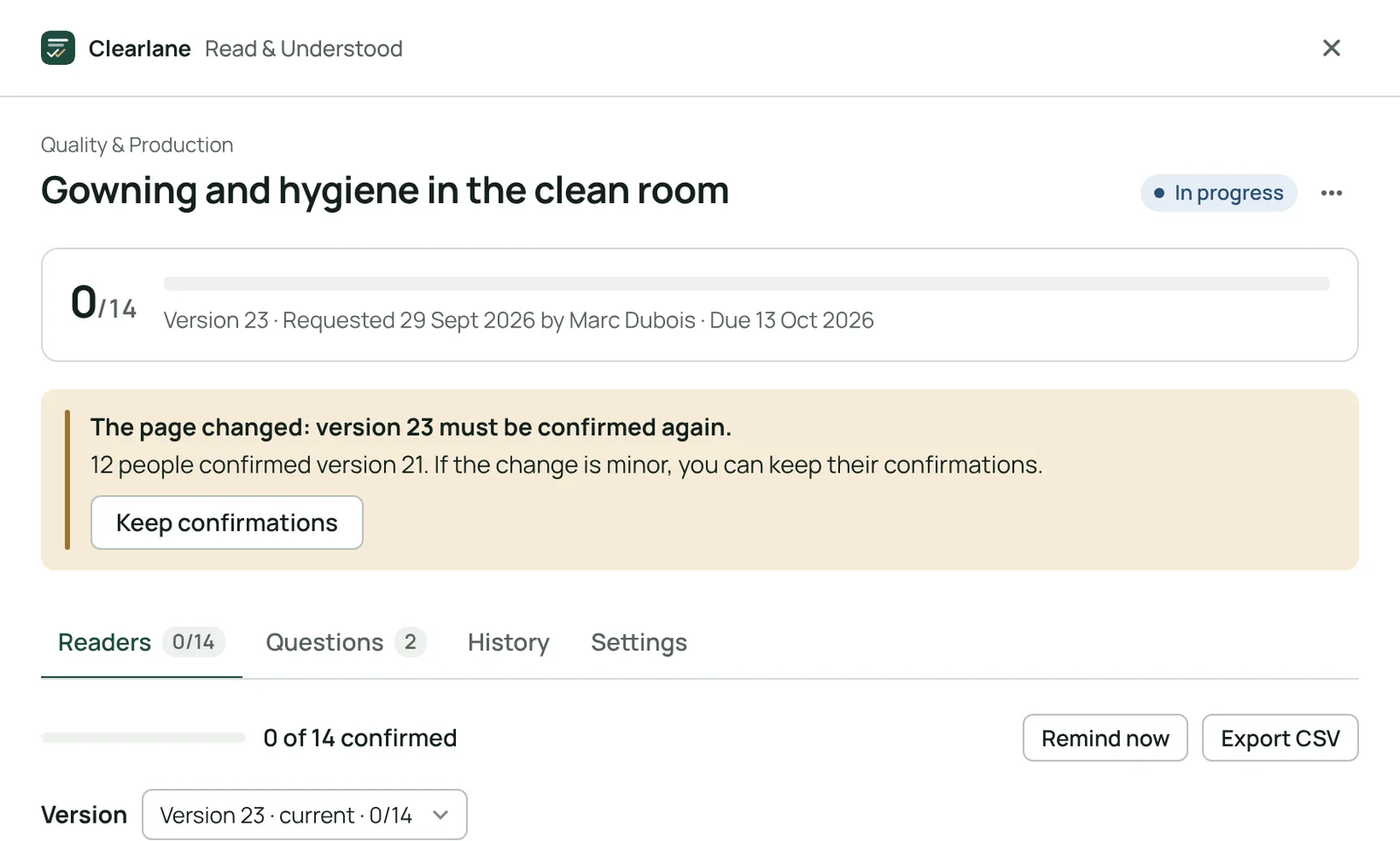
- When the page changes, a new round starts on its own. A typo can keep the confirmations, with a reason in the audit trail.
- Reminders go out before the deadline and once it is late. People who cannot open the page are flagged before they are late.
- On audit day, you open the space register, or export a PDF for the page: version, confirmations, questions and audit trail.
What sets it apart
- Bound to the exact version. A confirmation never drifts to a later version of the page.
- Understood, not just opened. Up to five multiple-choice questions per page; readers must answer them right before they can confirm, and the answers are never shown.
- Nobody forgotten. A people view for space admins, and a “My reading list” page for every reader.
- Optional signing password. Each confirmation can become an electronic signature.
- Runs on Atlassian. Your data stays in your Atlassian site.
What it does not do
It does not write or approve your procedures, and it does not replace your training plan. It helps you meet training and awareness requirements; your own validation still applies.